The note becomes the workout
Type a line the way you would write it down. The Canvas turns it into sets, reps, and PRs.
iOS fitness app · Private beta
Fully Tuff is a notes-style workout app. Write the session on the Canvas and it becomes sets, reps, and PRs. The AI Coach is there when you want it, and it stays off until you turn it on.
Free during beta · TestFlight · Built for iPhone







The Canvas
Write the workout like a note. The Canvas turns it into sets, reps, and PRs, and keeps your notes with the work.
Type a line the way you would write it down. The Canvas turns it into sets, reps, and PRs.
Dump a session in plain language. Weight goes after @, like back squat 5x5 @ 225. No rigid template forcing a gym-only format.
Titles and comments start with #. A title like # Pull Day, or a comment like # grip held up, stays with that workout.
Past sessions stay on your iPhone, ready when you need to look back across every kind of training you track. Optional iCloud sync and Cloud Backup if you want them.
AI Coach
The Canvas holds what you did. The AI Coach helps you decide what comes next, using your logged work and, if you allow it, Apple Health context. Off until you turn it on.
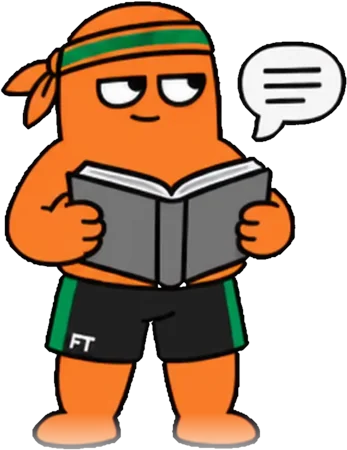
Also in Fully Tuff
The Canvas holds the workout. You log the sets, and recovery can sit next to the training.
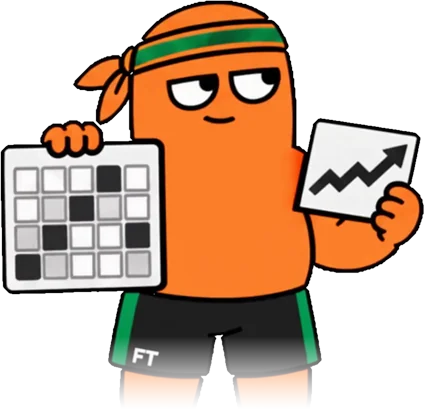
A line on the Canvas is the plan. Check off each set as you do it.

Optional read-only access to sleep, heart rate, energy, body weight, and nutrition so recovery sits next to your training.
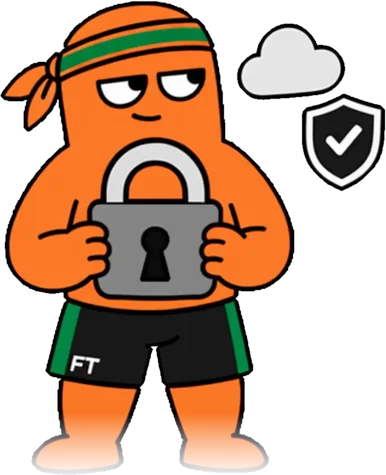
Workouts, notes, and Coach memory stay on your iPhone by default. No ad tracking. No selling your data.
Private beta
Private beta on iOS via TestFlight. Get early access to the Canvas, the Coach, and the rest of Fully Tuff. Show up. Get Tuffer.